Shopping Cart

 Products
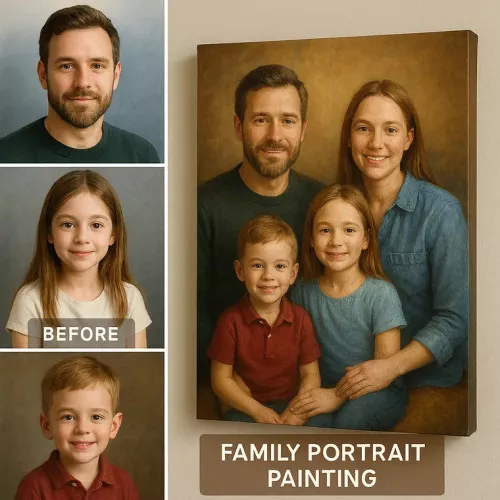
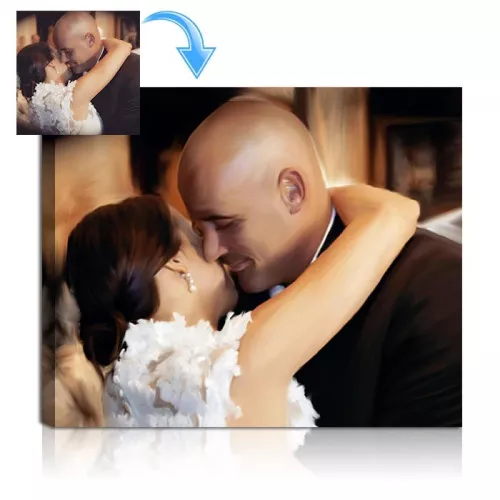
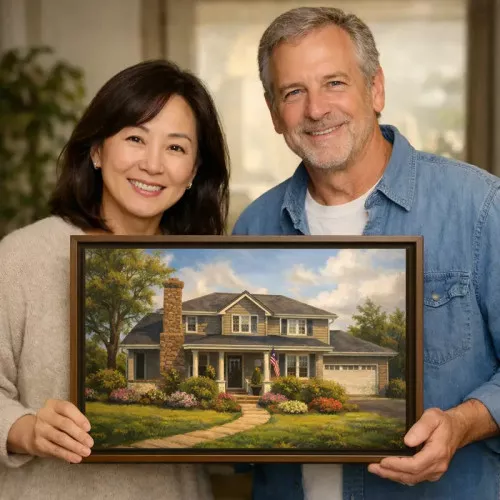


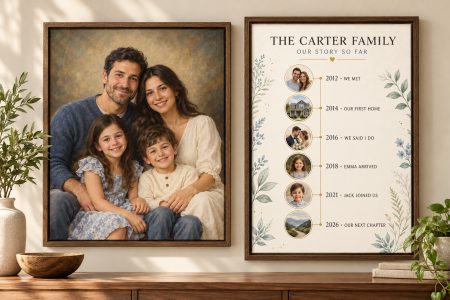
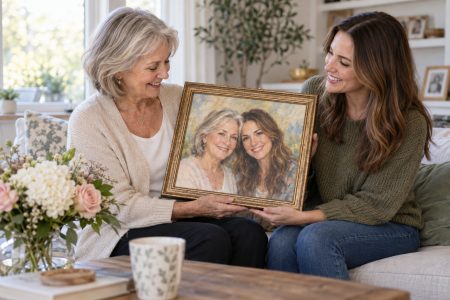



Someone is always behind the camera. A grandparent lives far away. Your favorite picture of your child was taken years after the photograph you love of your parents. When there is no single photo of everyone together, you can still create a family portrait from separate photos.
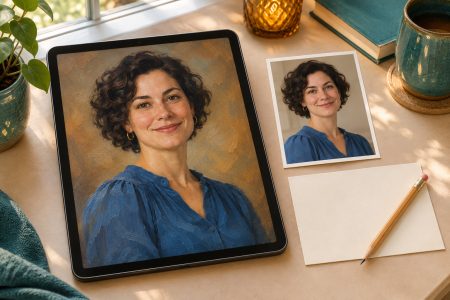
To combine multiple photos into one painting, choose clear pictures of each person, explain who belongs in the portrait, and describe how you would like everyone arranged. Similar camera angles and lighting make a natural-looking composition easier to create. The artist can then assess the photos and work toward one connected scene.
One family portrait, even without one group photo
A combined portrait brings people from different photographs into a shared composition. Unlike a photo collage, which keeps several pictures visible as separate images, the goal is a scene that feels connected through scale, placement, background and artistic style.
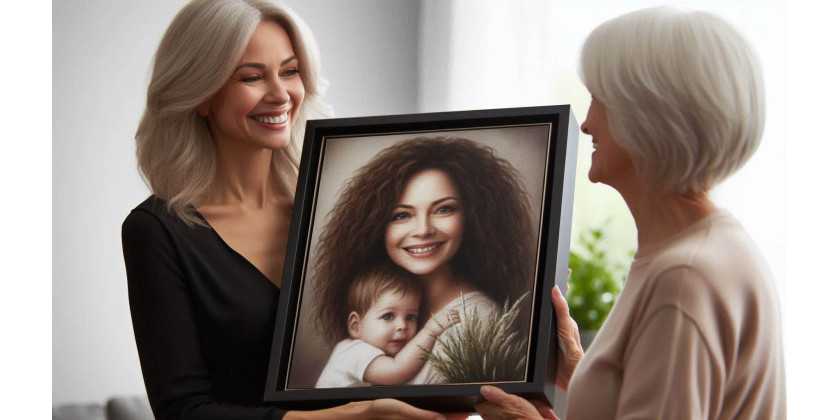
This can be meaningful for families spread across different homes, an anniversary gift, or a portrait that includes a loved one who has passed away. It can also bring a pet into a family picture. Be clear about what you want: everyone standing together, a seated arrangement, or a more interpretive memorial composition.
SnappyCanvas's family portrait painting offering can accommodate separate reference photos. The right approach depends on the images and the arrangement you have in mind.
1. Choose the people and the expressions first
Start with a list of everyone you want included. Then find a photo of each person with an expression that feels like them. A familiar smile is often more meaningful than a formal pose.
If a photo contains several people, identify the person you mean by their position and clothing. “Use the woman on the left in the blue shirt” is more useful than “use Grandma” when the artist does not know your family.
For someone who appears in several reference photos, say which image should guide their face and expression. Extra images can clarify details, but conflicting references without instructions can make the intended result less clear.

2. Check whether the photos will work together
The pictures do not need to come from the same day. They do need to give the artist enough information to portray everyone convincingly.
- Faces: Zoom in and check that eyes, mouths and other distinguishing features are visible. A small face in a distant group photo may not contain enough detail for a large portrait.
- Camera angles: Front-facing or similarly angled faces are generally easier to combine. A side-profile photo does not show all the features needed to recreate a front view accurately.
- Lighting: Similar light makes a more cohesive starting point. Harsh flash in one photo and deep shadow in another may need extra interpretation.
- Image quality: Send original files when possible. Screenshots and heavily compressed copies may lose useful detail.
- Pose and crop: If you want a full-length portrait, a tightly cropped headshot leaves the body and clothing unspecified. Discuss what is feasible before settling on that arrangement.
If an old photograph is your only reference, share it for assessment. Explain which details are certain and which are unclear. Artistic adjustments can help, but missing facial information cannot simply be recovered with certainty.
3. Plan the arrangement and background
You can begin with a group photo and ask to add someone, or build a new arrangement from individual pictures. A base photo is helpful when it already has the setting and most of the people you want.
Think about who should stand or sit beside whom. Note relative heights, especially when combining adults and children from photographs taken at different distances. If the portrait includes images from different years, specify the age you want each person to appear.
For the background, choose a setting from one of your photos or discuss a simpler treatment. A quiet background can keep attention on faces; a meaningful home or garden can make the setting part of the story. Avoid asking several unrelated backgrounds to compete in the same scene.
4. Write a short, specific instruction note
You do not need to design the entire portrait yourself. A clear note gives the artist a useful starting point. Here is an example you can adapt:
Please create one portrait with four people. Use both adults from Photo 1, the child in green from Photo 2, and the man on the right in Photo 3. Place the child between the adults and the man beside them. Use the expressions in those photos, remove the original backgrounds, and use a soft neutral background. Please let me know if a different reference would help.
Identify any details that must stay: glasses, a particular hairstyle, a wedding ring or a pet's markings. If you want a change to clothing or pose, describe it rather than assuming it will happen automatically.
5. Choose a style and canvas size for the group
An oil-style portrait can give a family group a rich, traditional appearance. A watercolor-style treatment can feel softer and lighter. Compare the options in our oil-style versus watercolor portrait guide, then confirm which product suits your combined-photo request.
For canvas size, consider both the number of people and how the portrait will be viewed. A larger group on a small canvas leaves less space for each face. A wide arrangement may suit a landscape canvas, while a closer grouping may work vertically.
Measure the intended wall and ask for advice on the proposed composition. Check current size, subject-count and finish options on the product page rather than choosing solely from a generic size chart.
6. Review the proof person by person
If your order includes an artwork proof, review it carefully before approval. First look at each person on their own, then step back and consider the whole family together.
- Is everyone included, with the intended expression and age?
- Do the relative heights and head sizes feel right?
- Are glasses, hair, clothing and important details correct?
- Do the people feel comfortably arranged, with no awkward overlaps?
- Does the background support the portrait without distracting from it?
Make revision notes specific: “Please move the child slightly closer to the seated adult” is easier to act on than “make it look more natural.” For a gift with a deadline, discuss timing before ordering and allow room for the proof process.
Common questions about combining family photos
Can you include someone who has passed away?
A portrait can bring their likeness into a new family composition using a suitable reference photo. Tell the artist how you want them represented and which details matter most. This is an artistic tribute, rather than a photograph of an event that actually occurred.
Can a pet be included with the family?
Share a clear pet photo and explain the placement and approximate size relative to the people. Confirm the subject-count options and suitability of the references before ordering.
Do I need to merge the photos myself?
No. Keep the original images available so the artist has the best references. A rough layout can communicate your idea, but send the separate originals too.
Will several photos cost more?
Pricing depends on the product options, number of subjects and the work requested. Check the current selection and ask about unusual arrangements before placing your order. The number of files alone does not explain the complexity.
Bring the family picture you imagined together
You do not have to wait for everyone to be in the same room to begin. Gather the photos that mean the most, make a clear list of who belongs in the portrait, and share your idea for the arrangement.
Explore custom family portrait paintings from photos to get started, or ask us about your reference photos before choosing.