Shopping Cart

 Products
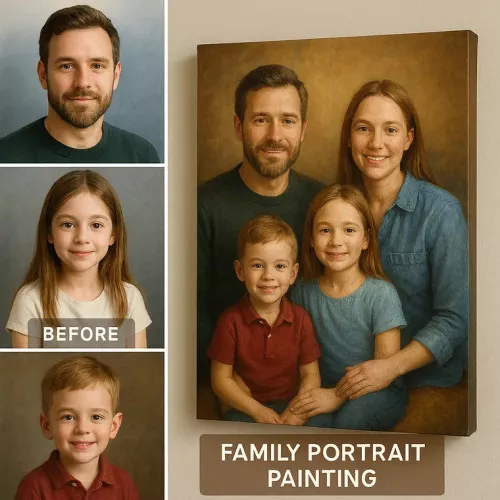
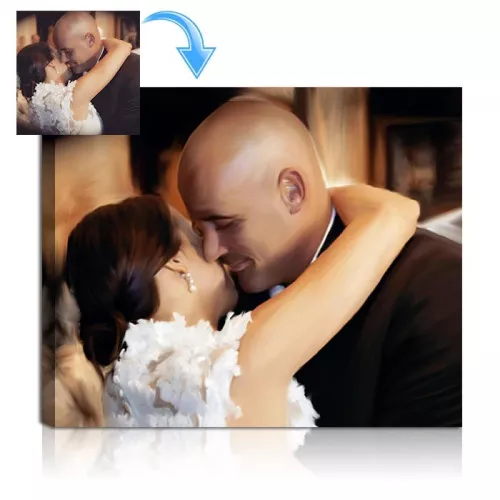


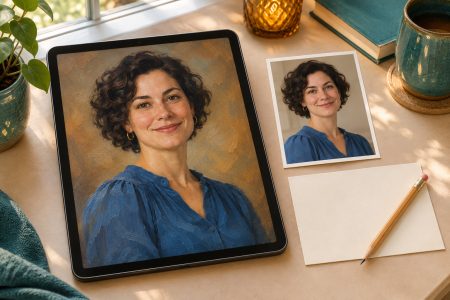
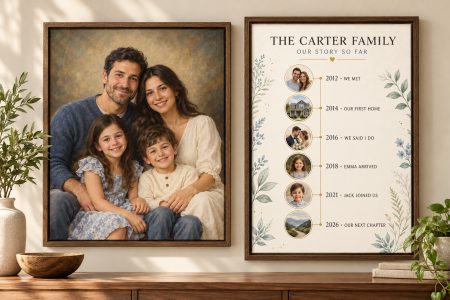
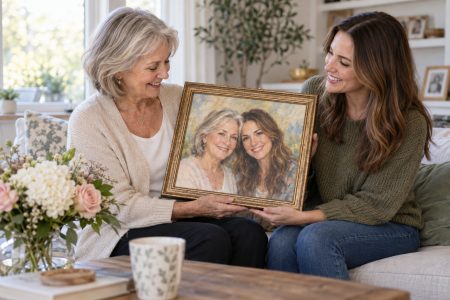
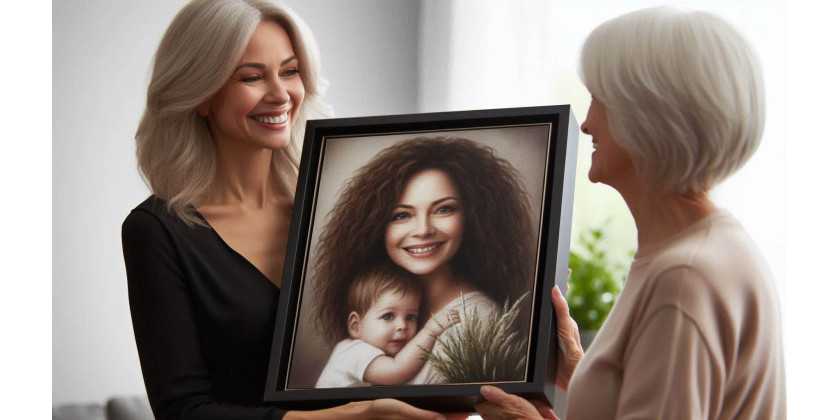
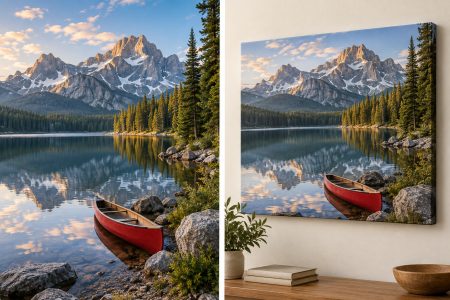


A CLEAR BRIEF. A MORE PERSONAL PORTRAIT.
Tell the artist what matters most
You do not need art terminology to explain your vision. A few specific instructions help distinguish the details you love from the things you would like changed.
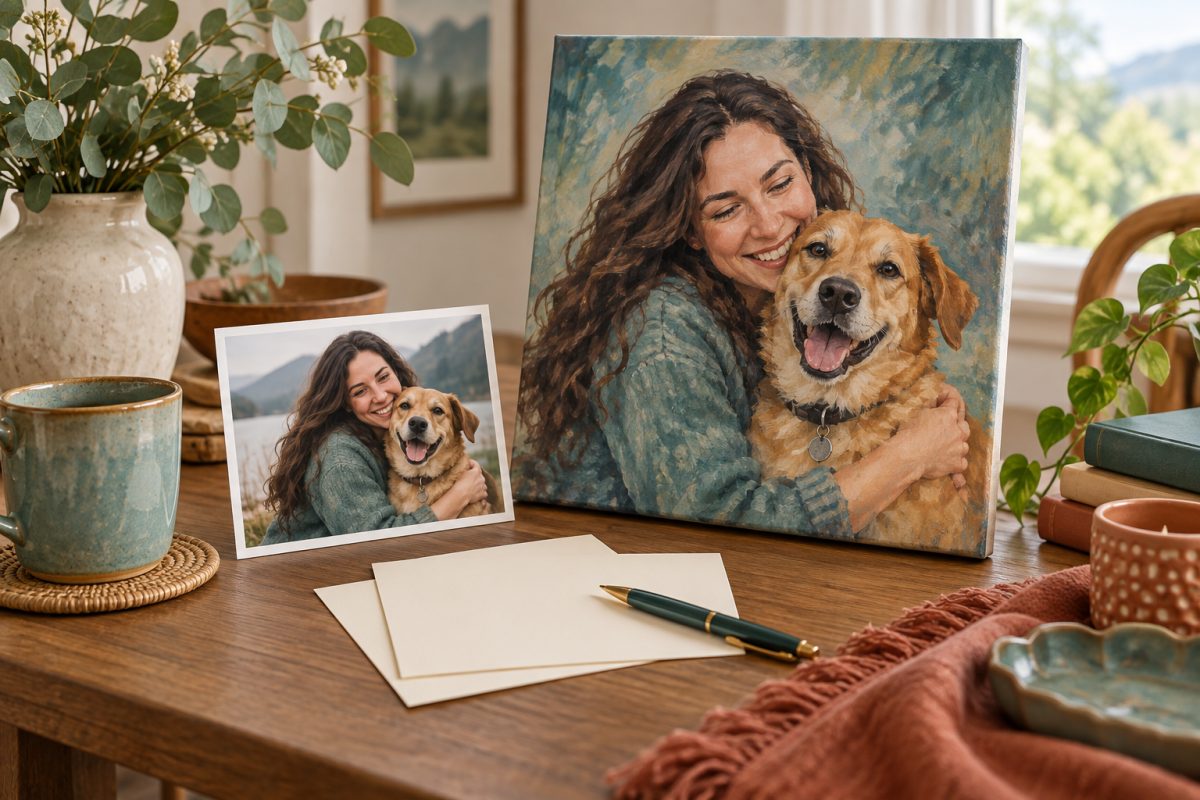
When ordering a painting from a photo, the image shows the artist what is there. Your instructions explain what matters to you. Perhaps your dog's white chest marking must stay, a distracting chair can go, or a particular family member should remain the focus.
This step-by-step guide helps you write a short, useful artwork brief for a custom photo-to-painting order. It focuses on communicating requests, rather than choosing the best photograph or reviewing a finished proof. The examples are fictional instructions, not customer stories or promises that every edit is available.
1. Identify the main reference and subject
Begin by saying which photograph supplies the main pose and expression. If you provide several images, label them in your message: "Photo A: main portrait; Photo B: reference for the dog's chest marking." Avoid making the artist guess which smiling face or camera angle you prefer.
For a group photograph, identify people by a clear location or clothing description. "The woman in the blue blouse on the left" is more useful than "Mom" when the artist does not know your family. Include only the subjects you intend to order, and check the product's subject-count options.
2. List the details that must stay
Write two or three priorities before describing changes. These might be a person's expression, a pet's markings, a wedding outfit, or a car's distinctive wheels. A concise list makes the brief easier to follow than a long paragraph in which important details are buried.
Keep: the woman's smile, the dog's white chest patch, and their close seated pose.
Change: remove the bright chair behind them.
Ask first: whether a simpler background is suitable for the chosen style.
Do not request a new facial angle or unseen object based on a reference that does not show it. Supply an additional photograph if the detail is important. If the source is unclear, say what you know and ask whether the artist can work with it.
3. Separate background requests from likeness requests
"Make it nicer" leaves too much open to interpretation. Instead, describe the specific distraction: "Please remove the person walking behind us" or "Please keep the garden but soften the busy fence." These are requests to discuss, not automatic features of every product.
Choose the available background option that best matches your goal. On the Oil Portrait Canvas product page, background is a separate selection alongside size, finish, subject count and the proof option. Your notes should agree with those selections. If an edit goes beyond the listed choices, ask SnappyCanvas about feasibility and any effect on the quote before ordering.

4. Describe the mood without changing the product style
Useful mood words include warm, calm, lively or understated. Pair them with something concrete: "A calm background with muted greens, while keeping the blue scarf recognizable." A mood request should guide the selected style, rather than ask for a completely different product.
If you prefer soft washes to a richer oil-style appearance, choose the appropriate product first. Our oil-style versus watercolor guide explains that choice. For a costume-based pet portrait, use the royal pet portrait collection and discuss requests within the selected design.
5. Keep size and finish in the order options
Size, subject count and finish affect the actual configuration. Select them in the product controls instead of relying only on a note such as "Please make this bigger." Rolled canvas, gallery wrap and framed options are different display choices.
Use the instructions to explain composition priorities, such as "Keep both hands visible" or "Leave some space above the dog's ears." Avoid asking for an extremely tight crop while also requiring every surrounding detail. If two goals conflict, state which one matters more.
6. Use a compact brief you can copy
A short brief is often easier to act on than several scattered messages. Use this structure and remove any line that does not apply:
Your artwork instructions
Main image: [Which photo supplies the pose and expression?]
Subjects: [Who or what should appear?]
Keep: [Two or three essential details.]
Change: [Specific requested edits.]
Background: [Your selected option and any question.]
Priority: [What matters most if requests conflict?]
Some instruction fields limit message length. The public Oil Portrait Canvas page currently lists a 250-character limit for special instructions. Keep the most important notes in the field; contact the team about a longer brief or additional references rather than assume text outside the limit was saved.
Example short note: "Use Photo A for the pose. Keep her smile, blue scarf and the dog's white chest patch. Please remove the chair behind them if possible. Likeness matters more than a tight crop. Photo B shows the marking."
Example vehicle note: "Use the three-quarter view in Photo A. Keep the red body, silver wheels and front grille. Please ask before changing the background. Do not add a license-plate inscription." For vehicle-specific reference advice, read our car portrait guide.
7. Check the saved request and review your proof
Before completing the order, check that the uploaded reference, product options and instruction text match. If a customization save control is shown, use it and verify the notes remain. Keep a copy of your final brief so you can refer to it later.
Select an artwork proof where it is optional. SnappyCanvas offers free unlimited revisions to the artwork proof before approval. Use the proof stage to confirm that the important requests are understood, and send one organized set of specific feedback rather than contradictory notes. Our seven-point portrait proof checklist covers what to examine once your preview is ready.
Common questions about portrait instructions
Can I request a background change?
Describe the change and check the selected product's background options. Ask about edits outside those choices before ordering; availability and any additional cost depend on the request.
Should I send several photographs?
Only when they add useful information. Identify the main pose image and the exact detail each supporting photo clarifies. Do not assume separate images will be combined unless that arrangement has been confirmed.
Do I need to explain the canvas finish in my notes?
Select the finish in the order controls. Use the notes for artwork priorities, and check that the selected finish agrees with your intended display.
A favorite photo. A clear direction.
Choose the artwork style that feels right, then tell us which details make the image yours.
Explore Photo-to-Painting Styles →