Shopping Cart

 Products
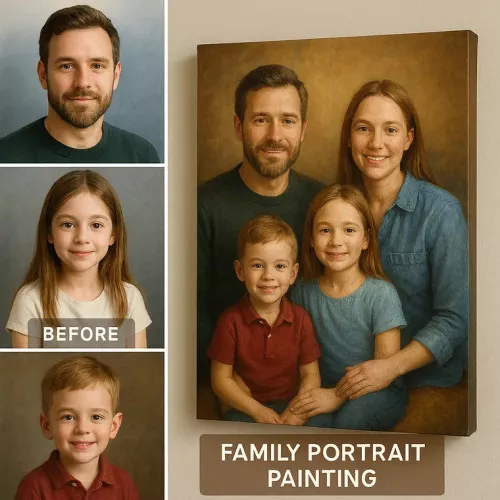
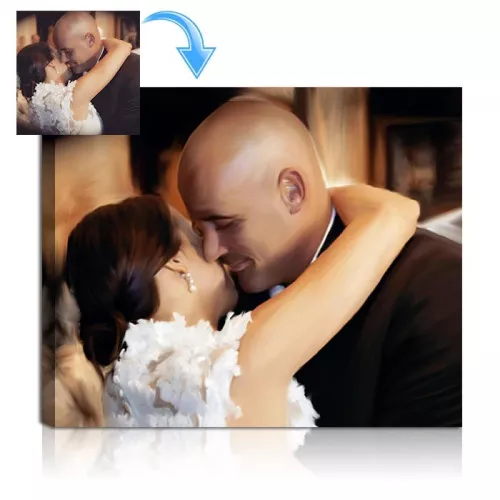





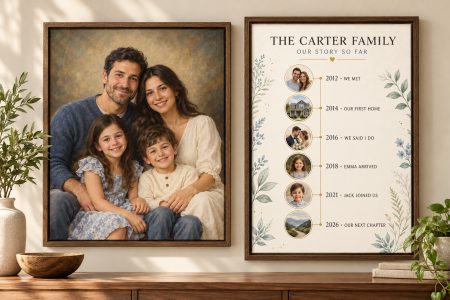
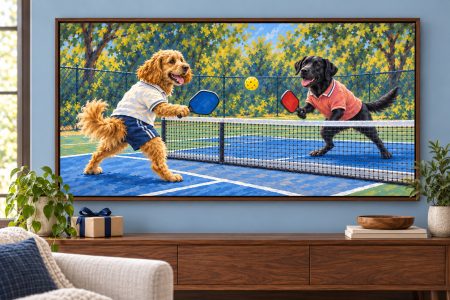
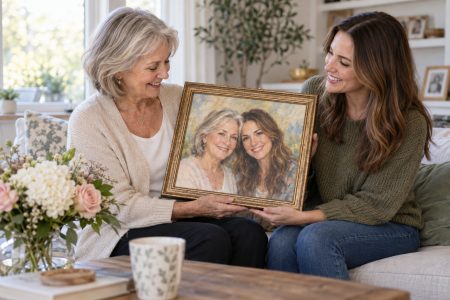

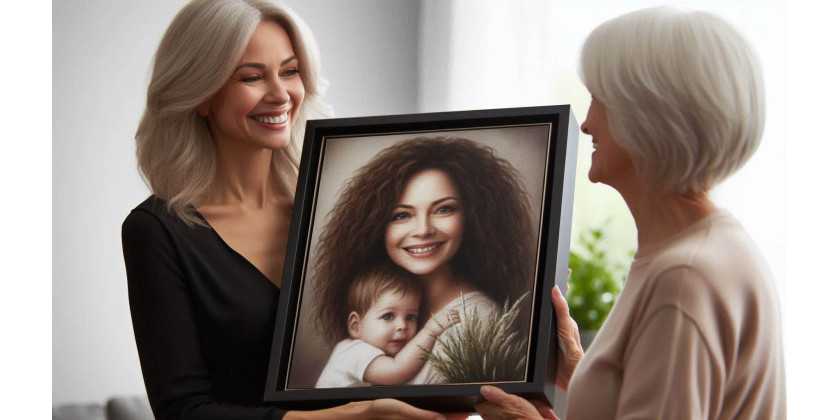
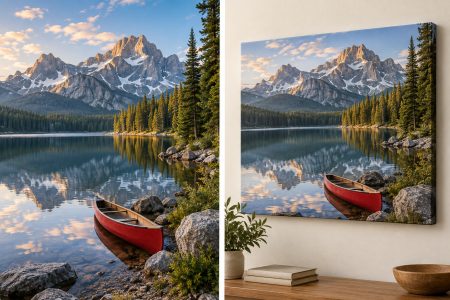

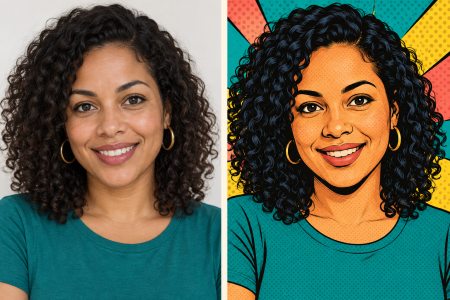
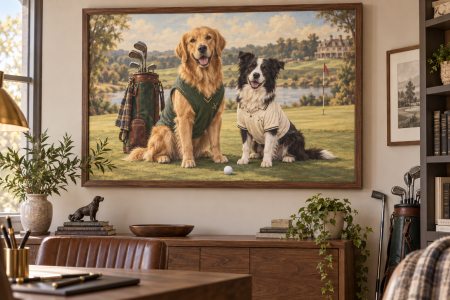

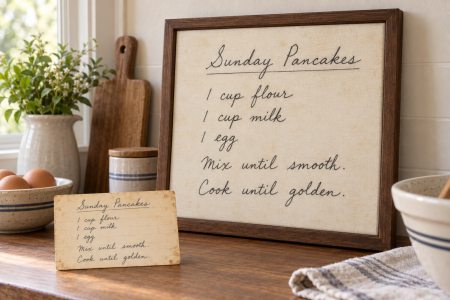
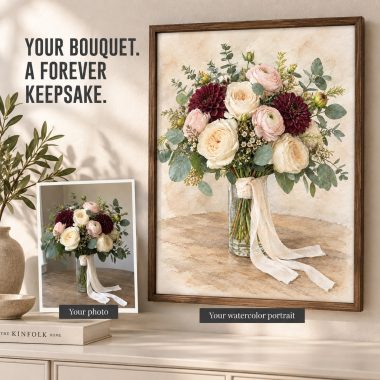

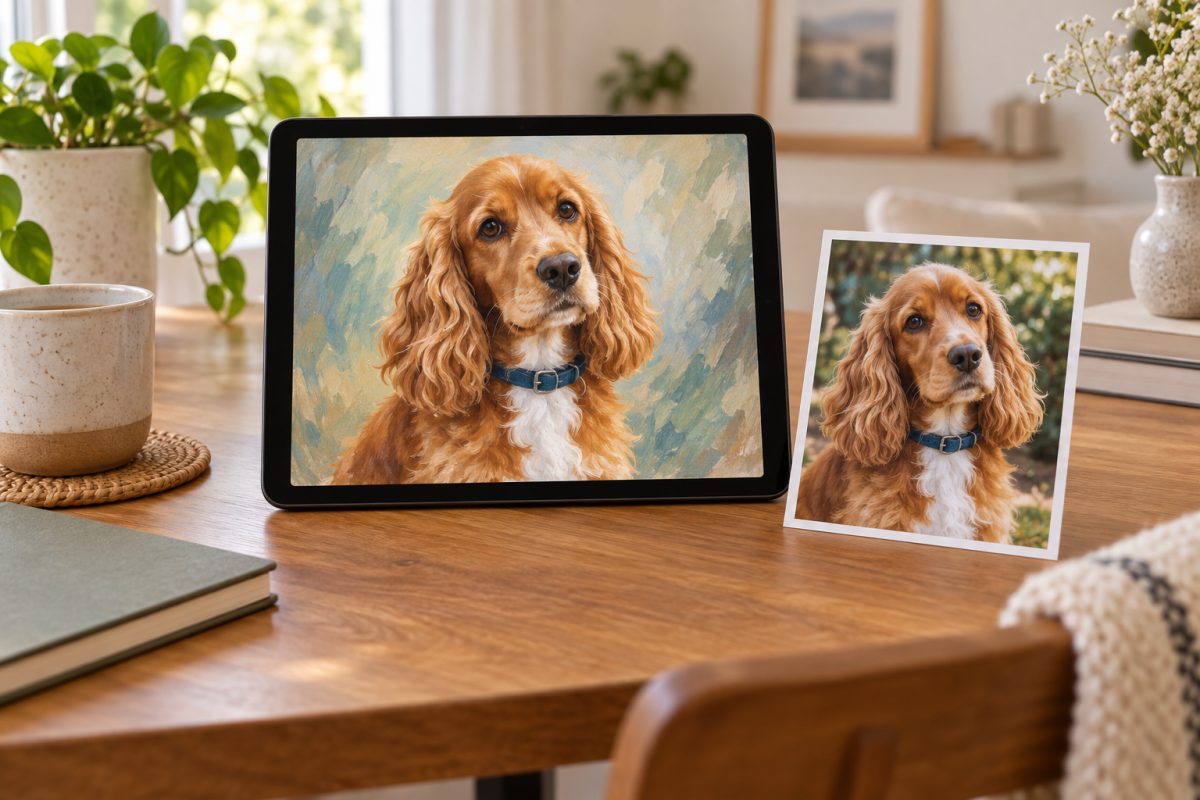
Your portrait proof is the moment to compare the artwork with the photograph and instructions that matter to you. It is easy to focus on the overall impression and miss a small marking, a cropped ear or a name spelled incorrectly.
Use these seven portrait proof checks in order: start with the subject, then examine details, composition and any requested changes. Finish by sending one clear set of notes or confirming approval through the instructions provided with your order.
Before ordering, check whether your chosen product includes a proof or offers it as an option. For example, the Shakespearean pet portrait offers an optional artwork proof. Do not assume every product has the same review arrangement.
Lead image: AI-generated illustration of a photo reference beside a portrait on a tablet. It is not a customer order or a screenshot of the SnappyCanvas proof interface.
Check the likeness and expression first
Look at the portrait at a comfortable viewing size before zooming in. Does the expression feel like the person or pet in the chosen reference? Compare the shape of the face, the eyes, the mouth or muzzle, and the direction of the gaze.
Then check one feature at a time. A useful revision note identifies the difference rather than asking for a vague improvement. “Please keep the gentler smile shown in Photo 1” gives more direction than “make it look better.” If several references were supplied, identify which one establishes the expression you want.
A painted interpretation can simplify photographic detail. Judge the likeness in the context of the style you ordered, while still calling out features that are important to recognition.
Look for distinctive details that should stay
Small details can be the most personal part of the picture: a pet's white chest patch, a familiar pair of glasses, a wedding ring or a distinctive hairline. Compare those details against the reference and your original instructions.
- Pets: inspect markings, ear shape, eye color and any collar you requested.
- People: check glasses, facial hair, jewelry and the features you specifically identified.
- Other subjects: compare identifying features such as a car's wheel design or a home's entrance.
If the main photograph hides a detail, provide a clear supporting reference where possible. Do not treat an artist's interpretation of an unseen feature as confirmation of what it actually looked like.
Review the crop and the space around the subject
Check the entire composition, not only the face. Are ears, hair, hands or other meaningful features too close to an edge? Does a group have enough room around everyone? Is a requested full-length portrait still full-length?
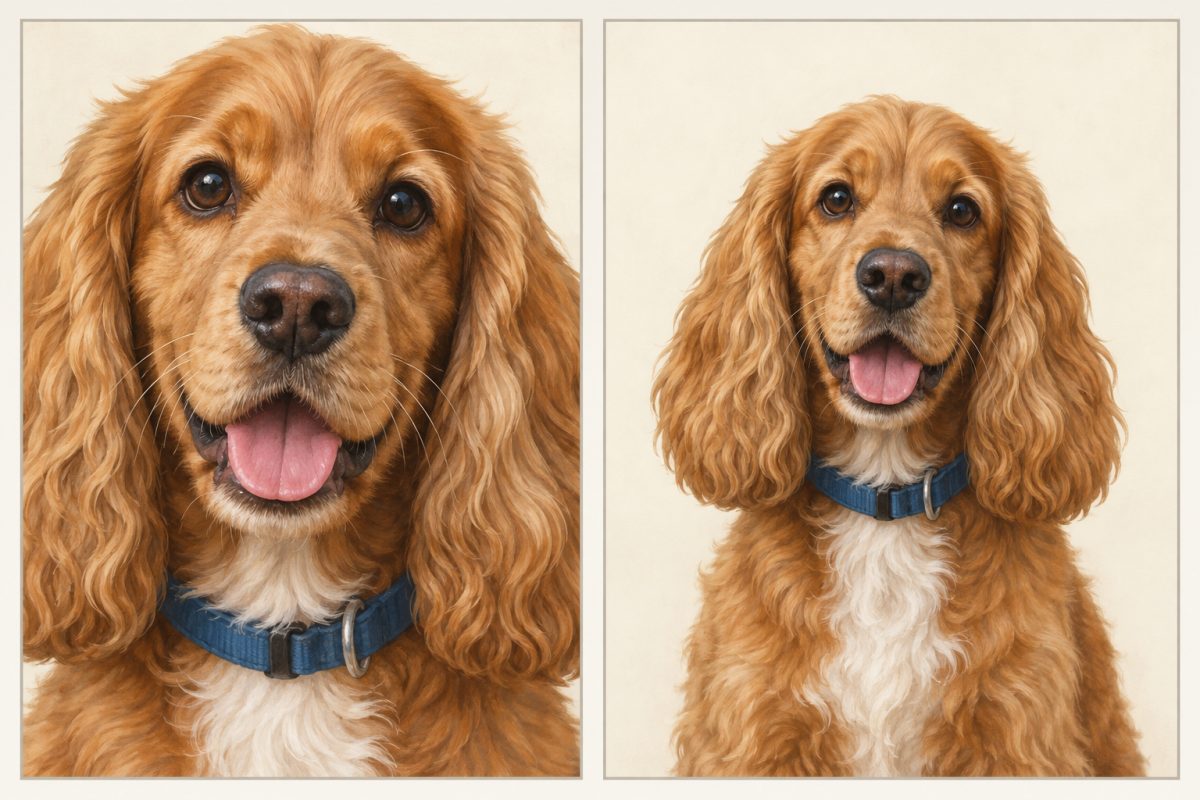
Ask how the image will fit the selected size and finish if that is unclear. A digital composition alone may not show precisely what appears on the front and sides of a wrapped canvas. Confirm edge treatment instead of assuming everything visible in a flat preview will appear on the front face.
For help before ordering, see our photo-selection and cropping guide.
Compare the background and requested removals
Read your original request alongside the proof. If you asked for a simplified background, does the result still retain the setting you wanted? If an object was meant to stay, check that it has not disappeared during simplification.
Separate a correction to an agreed request from a new design idea. Replacing the entire setting or changing the main photograph late in the process can be a different scope of work. Ask about feasibility and any applicable terms before assuming a major change is included.
Keep notes concrete: “Please retain the tree behind the left shoulder from Photo 2” is clearer than “make the background more meaningful.”
Check every subject and their relative placement
With more than one person or pet, review each likeness separately. Then step back and check their relationship within the composition: left-to-right order, relative scale, spacing and gaze direction.
A close-up reference can make one subject appear much larger than another photographed from farther away. If the intended real-life size relationship is important, explain it. For combined family portraits, our guide to combining separate photos helps you identify references and placement before the artwork begins.
Use names or clear labels in revision notes so “the person on the left” cannot be confused between the reference and the artwork. Check that everyone requested is present and that no reference was mistaken for an additional subject.
Read personalization character by character
If your portrait includes wording, check names, dates, punctuation and the exact message. Read slowly against the text you supplied instead of relying on memory. A familiar name is surprisingly easy to skim past.
Check placement too. A correct date can still feel crowded against the edge or compete with the portrait. If text was not requested, flag any unexpected addition. If a signature or handwritten message is the subject, compare the original letter shapes as well as the words.
Our handwritten-note wall-art guide covers signatures, excerpts and preserving meaningful marks.
Assess the style, color and overall balance
Return to the product examples that helped you choose the style. Does the proof have the softer treatment or richer painted appearance you expected? Review the whole image as well as close details so a small correction does not distract from the overall balance.
Screen brightness, display settings and room light can affect how you perceive color. A proof is useful for discussing a blue shirt that should be green, but it is not a promise that every screen color will match the finished canvas exactly. Describe important color concerns using the original reference and clear words.
If you are still deciding on a treatment, compare our oil-style and watercolor guide before choosing from the photo-to-painting collection.
Turn your checks into a useful revision message
Gather the changes into one short, organized response. Identify the proof version, the part of the image, the requested change and the reference that supports it. Keep essential corrections separate from optional preferences.
“The overall composition works well. Please keep both ears fully inside the crop, restore the white chest patch shown in the original photo, and retain the blue collar. No wording is needed.”
This is an invented example, not a customer testimonial. Follow the review instructions provided with your order and ask about the revision terms for your selected product. Do not assume unlimited changes or a fixed revision turnaround.
After a revised proof arrives, check the requested changes and give the whole composition one final look. If something is still unclear, ask before approving. Keep your reference images and review notes available until the artwork details are settled.
Before you order
A strong review starts with clear references and instructions. Browse SnappyCanvas photo-to-painting styles, check the selected product's proof option, and use our step-by-step photo-to-painting guide to plan the order.