Shopping Cart

 Products
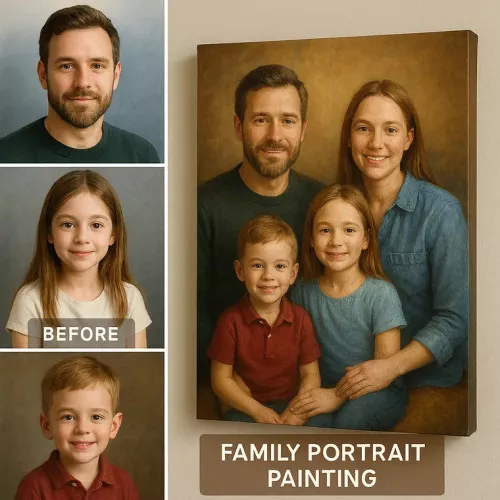
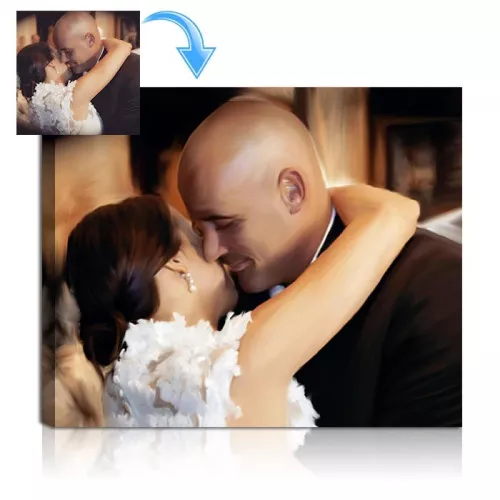




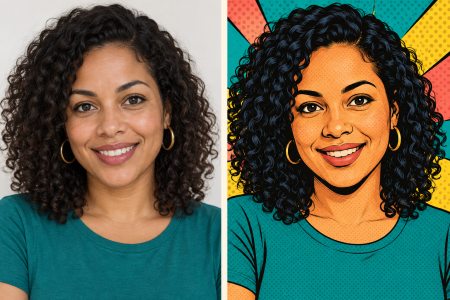
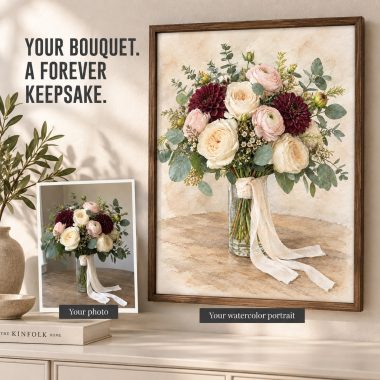


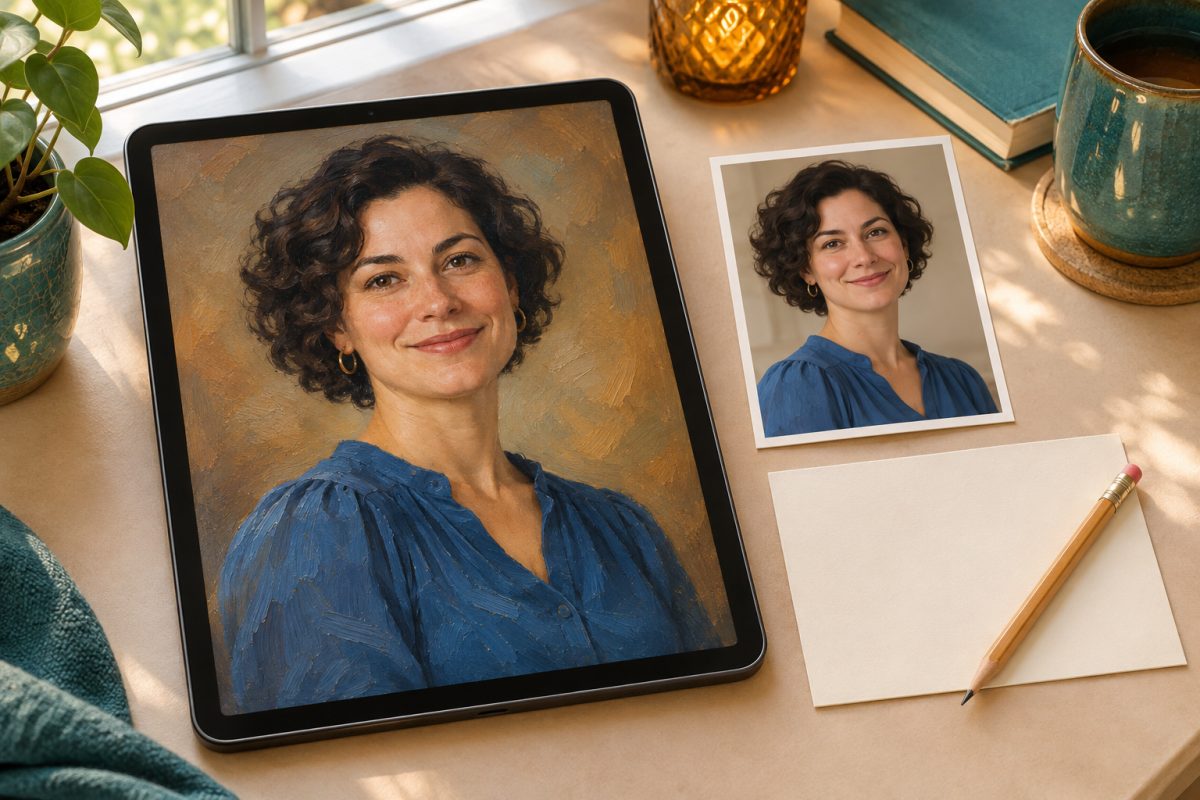
Lead image: AI-generated illustration of a reference photo beside a portrait on a tablet. It is not a customer order or a screenshot of the SnappyCanvas proof interface.
CLEAR NOTES. A SHARED DIRECTION.
Turn a concern into a request the artist can use
You have received your portrait proof and something needs attention. “It does not look quite right” is a valid first reaction, but the next step is explaining the difference you want the artist to address.
This guide focuses on writing revision feedback after you have a proof. If you are still deciding what to examine, start with our portrait proof review checklist. Then use the examples and template below to turn your observations into one clear message.
Identify the subject and the exact detail
Begin with the person, pet or object the note concerns. In a group portrait, “the woman in the blue blouse on the left” is easier for someone outside the family to identify than “Mom.” For pets, use the name together with a reference label if there could be any ambiguity.
Then name the feature. “Please review the shape of the smile” gives a more useful starting point than “fix her face.” You do not need to diagnose an artistic technique. Describe what you notice and point to the photograph that shows what you mean.
Separate a recognition concern from a style preference. If the expression feels unfamiliar, explain that. If you simply prefer a quieter background, say that instead of asking the artist to change the likeness.
Point to the reference that answers the question
Label the relevant file consistently: Photo 1, Photo A or another clear name. Tell the artist which part of that image should guide the revision. “Photo 2 shows the chest marking more clearly” does not mean “replace the whole pose with Photo 2.” Make that distinction explicit.
If the detail is hidden or blurred in every reference, say what is uncertain. A different camera angle can clarify an ear, a hairstyle or a piece of clothing, but it may not show the expression you want. Avoid asking the artist to treat an imagined feature as a fact established by the photographs.
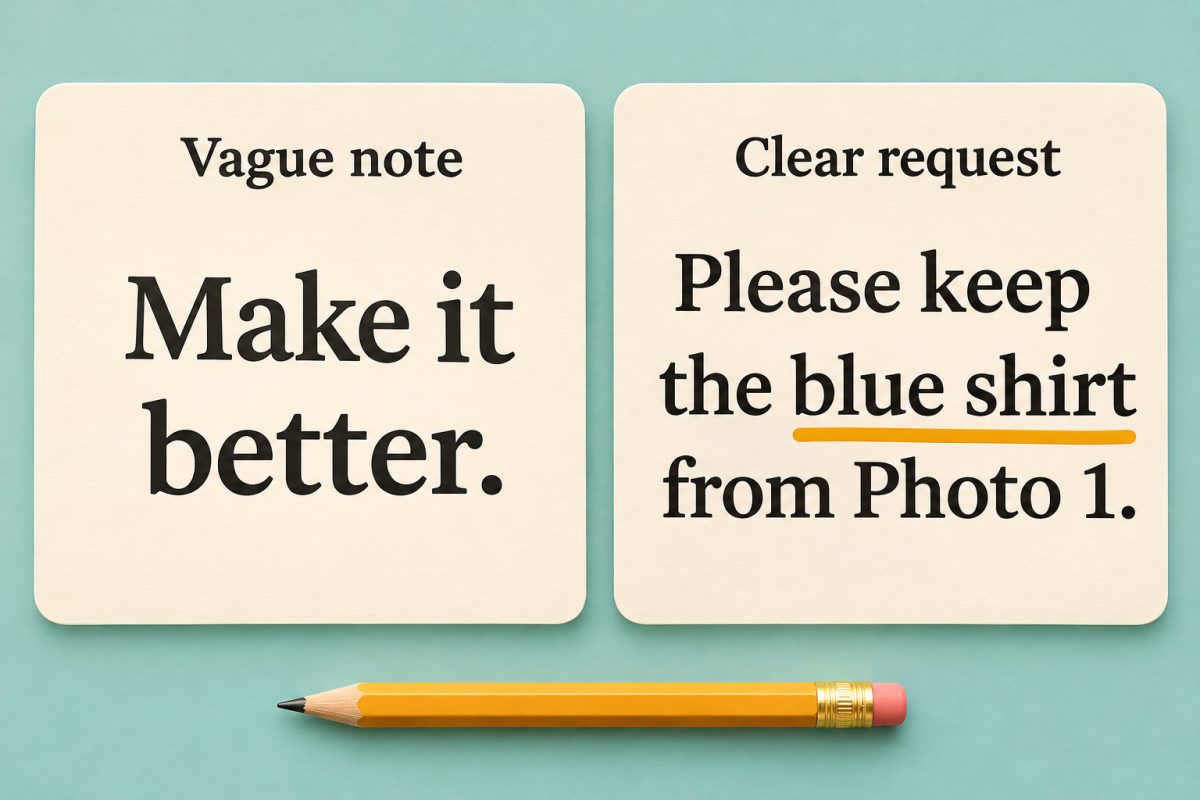
Write one requested change per note
A short numbered list is easier to follow than a paragraph that moves between the face, background, clothing and crop. Keep related information together, but give each requested change its own line.
Fictional feedback example
- Please use the gentler smile in Photo 1 for the woman on the left.
- Please keep her blouse blue, as shown in Photo 1.
- Please soften the bright object behind her right shoulder.
These are example notes, not a customer order or a promise that every proposed edit is feasible.
Notice that each line has a subject, an action and a point of reference where needed. You can be concise without being abrupt. There is no need to write a long apology for requesting a correction.
Say what should stay as well as what should change
When part of the artwork already works for you, identify it. “Please keep the current pose and background; my request concerns the smile only” reduces the chance that a narrow note will sound like a request to rebuild the composition.
This is especially useful when your feedback refers to a different photograph. You may want a collar from one picture while keeping the expression from another. State that division clearly. If your new note changes an earlier instruction, say which instruction it replaces instead of leaving two incompatible directions in the conversation.
Explain the priority when two requests compete
“Bring everyone closer together” and “leave more space around each person” can pull in different directions. Explain which result matters most. For example: “Keeping both children fully visible is more important than a tight crop.”
Ask a question when you need advice. “Can the background be quieter while keeping the garden recognizable?” gives the artist a goal to assess. Do not present a complex change as automatically included simply because it appears in your feedback.
Adding subjects, changing the product style or substantially rebuilding the scene can change what you are asking to order. Discuss the proposal and any effect on the configuration, cost or schedule before relying on it. Free proof revisions should not be interpreted as a promise that every different product request has identical terms.
Use a compact template
Portrait revision notes
Version: [Identify the proof you are reviewing.]
Keep: [The parts you want preserved.]
Change 1: [Subject + detail + requested adjustment.]
Reference: [Which photo explains that detail?]
Change 2: [Another specific request, if needed.]
Priority or question: [What matters most, or what needs advice?]
Remove lines that do not apply. Follow the reply instructions supplied with your actual order.
If several family members are helping review, collect their comments before sending the final list. Resolve disagreements such as two different preferred expressions first. A coordinated message gives the artist one direction to work from.
For wording corrections, copy the exact replacement text rather than describing it vaguely. “Please change the date to ‘2026’” is clearer than “the year is wrong.” Check names, punctuation and line breaks in the revision as well as the main image.
Check the response against the same notes
When an updated proof arrives, compare it with the requests you actually sent. Check the revised detail, then look at the whole composition again. If a request is still unresolved, refer to the same subject and reference label rather than introducing a new name for the file.
SnappyCanvas offers free unlimited artwork-proof revisions before approval. Check whether your chosen product includes a proof or offers it as an option. For example, the Oil Portrait Canvas and Watercolor Style portrait currently have optional E-Proof selections. Select the proof if you want that review stage. Options checked November 3, 2026.
If you are not ready to approve, make your remaining requests clear through the instructions provided with your order. Ask about any uncertainty before giving approval. For an occasion gift, allow time for your review and any revisions, and confirm the current arrival estimate for the selected options and destination.
A clear brief makes later feedback easier
Good revision notes build on a clear starting request. Keep a copy of the main reference labels and original priorities so you can distinguish a correction from a newly preferred direction. Our guide to writing artwork instructions covers that earlier stage.
Make the personal details easy to understand
Name the detail, identify the reference and explain the change. A few specific notes can communicate more than a long request to make the portrait better.
Explore Photo-to-Painting Styles →