Shopping Cart

 Products
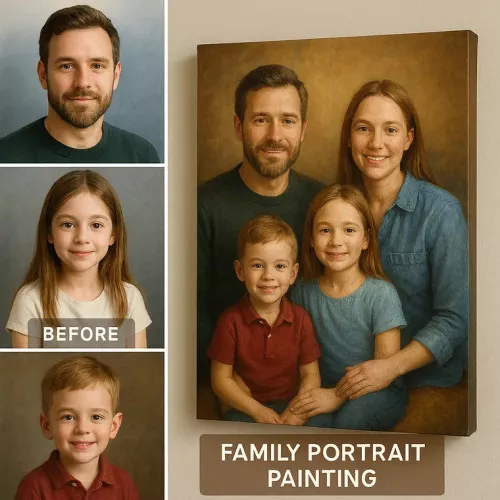
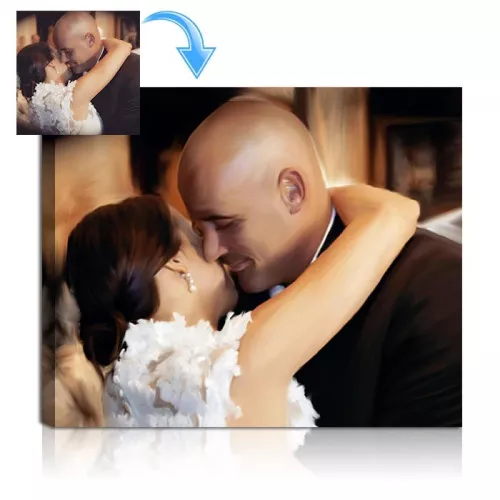
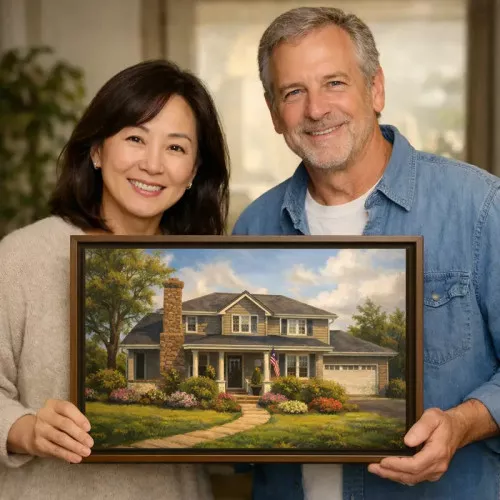


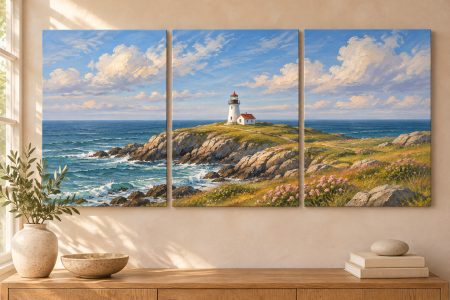
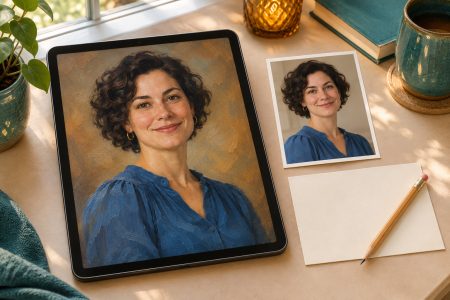
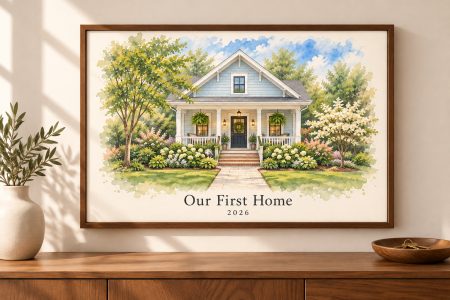
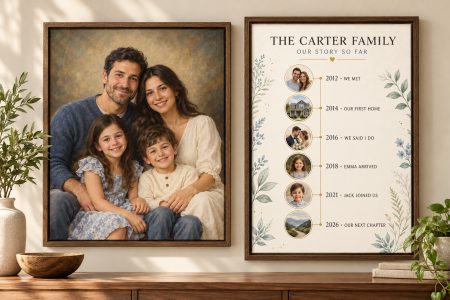
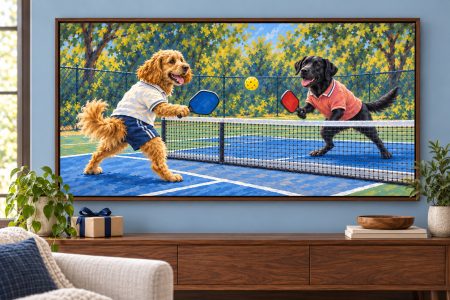
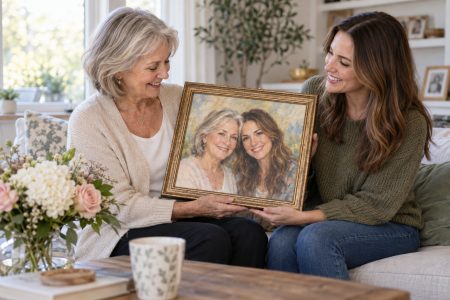
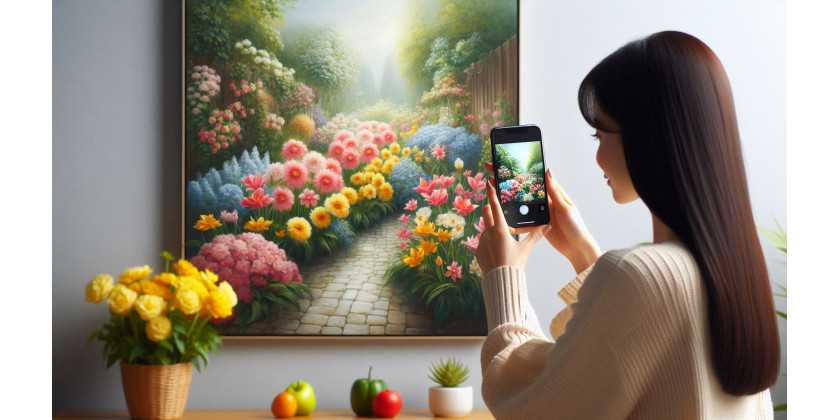
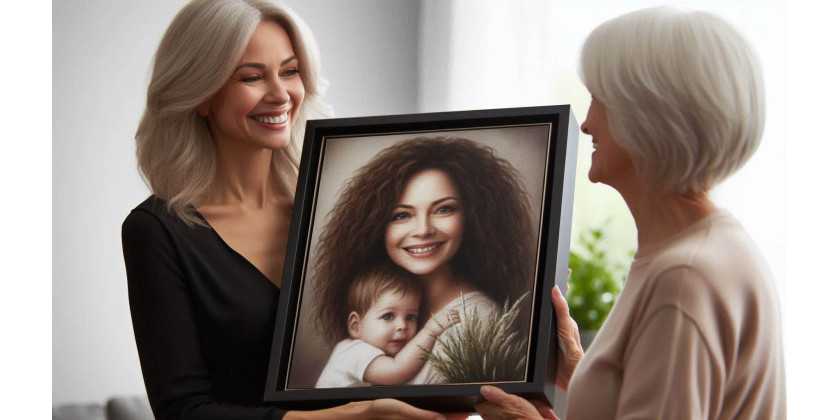
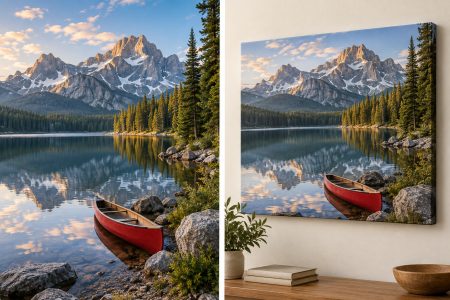

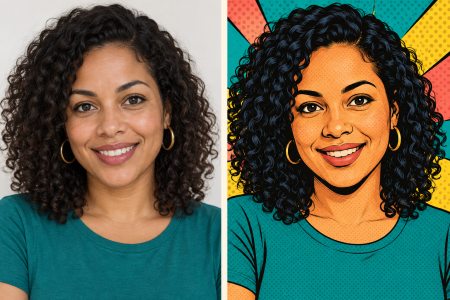
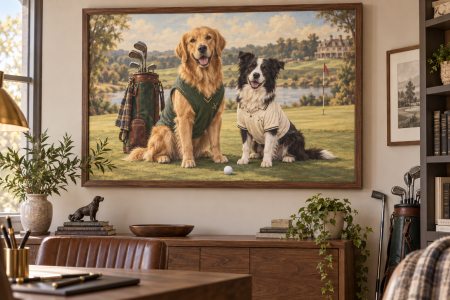
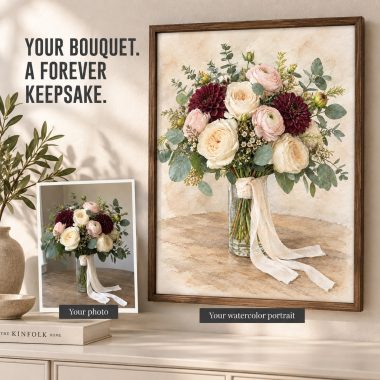

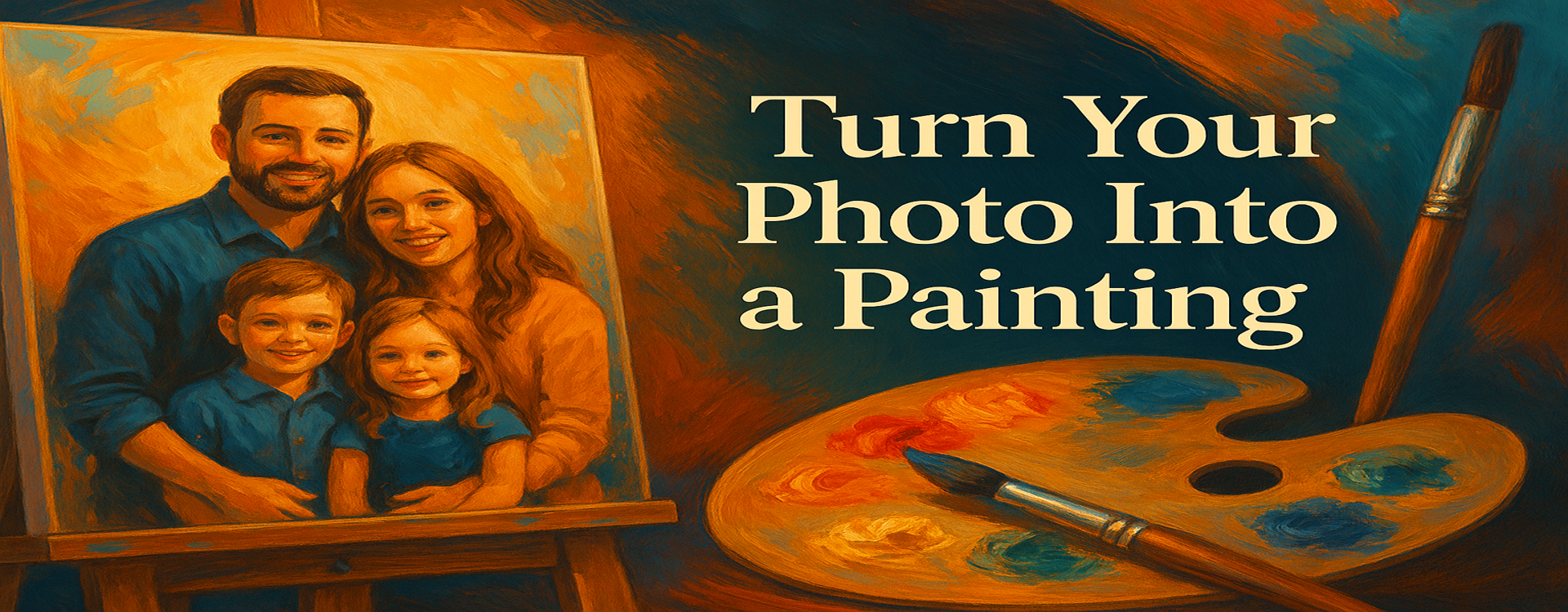
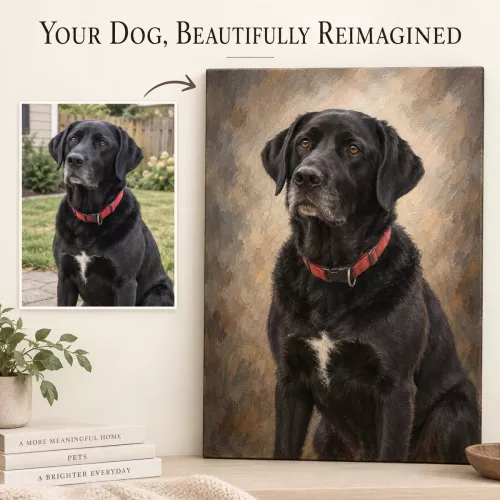
A favorite photo already holds the memory. Turning it into a painting gives you a chance to choose how that memory feels on your wall: warm and traditional, soft and flowing, or full of bold color.
To turn a photo into a painting, start with a clear original image, choose the art style you like, decide on a canvas size and finish, and explain any changes you want. If your order includes an artwork proof, review the likeness and composition before approving the finished piece.
This guide walks through the choices involved in ordering an artist-created portrait on canvas, from finding the right photo to reviewing the artwork.
Choose the kind of result you want
There are several ways to make a photograph look like a painting. A photo-effect app can be useful for experimenting with a look on your screen. An artist-created portrait gives you a way to discuss the composition, important details and changes to the original image. A traditional painting commission is another option when a specific physical paint medium is part of what you want.
When comparing services, look beyond the style name. Check how the artwork is created, what you will receive, whether a proof is included, and which changes can be requested. SnappyCanvas offers photo-to-painting styles on canvas, including oil-style and watercolor-style portraits. A painted appearance does not by itself specify the physical medium used.
Find the photo that captures the person or moment
Begin with expression rather than perfection. A natural smile, a familiar pose or your dog's alert ears may matter more than a formal background. Then check whether the image has enough detail to support the portrait you imagine.
- Open the original file. Use the version from the camera or phone when available, rather than a screenshot or a copy repeatedly sent through messaging apps.
- Zoom in on the subject. Check that the features you care about are visible. A face that occupies a tiny part of a large group photo may not contain much detail.
- Look at the light. Deep shadows, strong glare and overexposure can hide features. Another photo from the same moment may work better.
- Leave room around the subject. A tightly cropped head or missing ear can limit how the artwork is composed.
You do not need a professional photograph. If an older, faded or blurry picture is your only reference, ask for an assessment before ordering. Some adjustments may be possible, but the artist cannot know with certainty what missing facial details looked like.
Choose an art style by looking at examples
Use examples with subjects similar to yours. A landscape sample may show beautiful color, but a portrait example tells you more about how faces are treated.
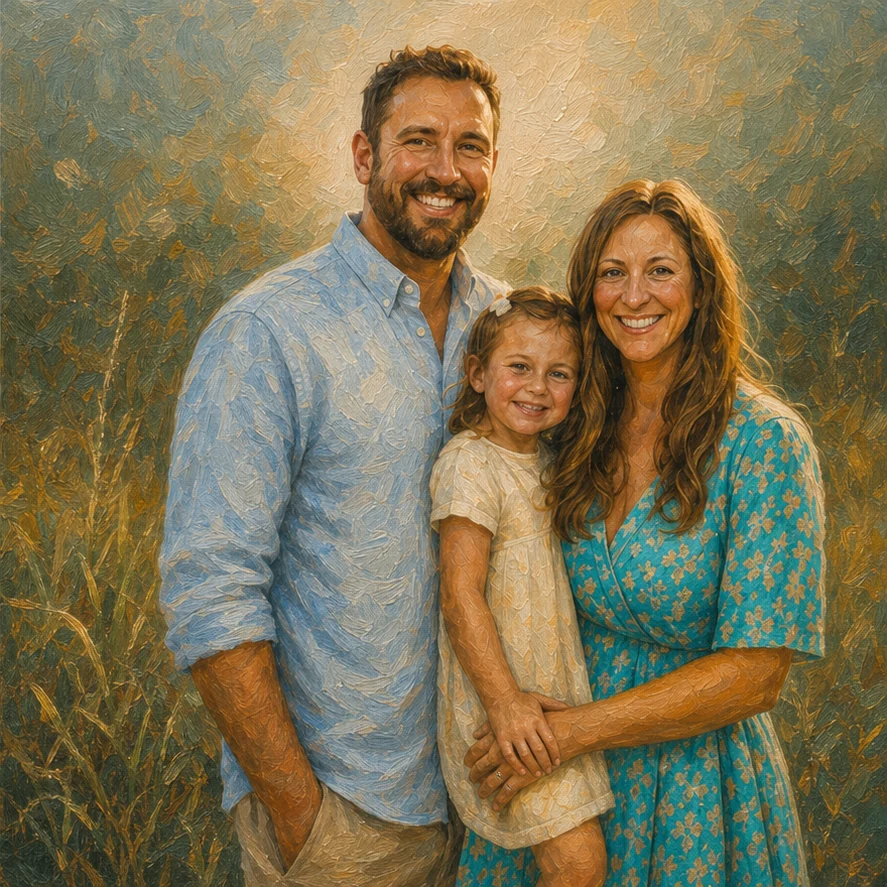
Oil style for a rich, traditional appearance
Start with oil style if you like a fuller painted effect, warm color and a portrait that feels substantial. Notice how the artwork handles the eyes, hair and clothing as well as the background.
Watercolor style for a lighter, softer feeling
Watercolor-style portraits can combine recognizable faces with flowing washes and gently blended surroundings. They are worth considering when you want a bright, relaxed interpretation of the photo.
Pop art for a bolder statement
If expressive color and graphic shapes suit your room or the recipient's personality, explore pop art. Compare the specific examples carefully because the amount of detail and color treatment can vary considerably.
For a closer look at the first two options, read our oil-style versus watercolor portrait guide.
Decide what to keep and what to change
Make a short list of the details that must stay, such as glasses, a wedding ring, a pet's markings or the expression that makes the photograph special. Then explain any requested changes: simplifying a distracting background, removing an object or combining people from separate photographs.
Be specific about the source images. “Use the smile from Photo 1 and the background from Photo 2” is clearer than “use the best parts.” If a proposed change requires inventing a pose or recreating details that are not visible, discuss feasibility first.
No single photograph of everyone together? Our guide to combining multiple photos into one painting explains how to choose compatible references and describe the arrangement.
Match the canvas size to the composition
Measure the wall or display area before choosing a size. You can use paper to mark out the dimensions and step back to the place where you will normally view the portrait.
Think about the artwork as well as the wall. A close portrait of one person can work differently from a group with several faces and a detailed setting. A wide group may suit a landscape layout; a standing figure may work better vertically. Ask about cropping if the photo's proportions differ from the canvas you want.
Check the selected finish too. A rolled canvas, gallery wrap and framed canvas have different presentation needs. Confirm the product's current options and what is included rather than assuming every finish arrives ready to hang.
Check the order details before submitting
Review the subject count, size, finish and requested adjustments together. These choices can affect price and the work involved. If the portrait is a gift, discuss the required arrival date before placing the order and allow time for any proof revisions.
Upload the original image files and include your notes using the options provided on the product page. If you need help selecting a photo or explaining a more complex idea, contact SnappyCanvas before ordering.
Review your artwork proof carefully
If your order includes a proof, start with the most personal details: faces, expressions, proportions and identifying features. Next look at the composition, color and background.
- Does the likeness feel right for each person or pet?
- Are the important details included?
- Is the crop comfortable, with enough space around the subjects?
- Have your requested changes been addressed?
- Does the overall mood match the style you chose?
Write clear revision notes before approving. “Please soften the background and keep the eyes as they are” gives the artist a specific direction. Remember that a screen preview helps you assess the artwork, but it does not show the physical canvas surface or guarantee identical color on every device.
Common questions before turning a photo into art
Can I use a photo from my phone?
Often, yes. The useful checks are clarity, lighting, crop and how large the subject appears in the image. Send the original file when possible and ask for advice if you are unsure.
Should I apply a painting filter first?
Keep an unfiltered original available. A filtered version can communicate a style you like, but it may remove details the artist needs. Explain whether the edited image is a reference for the appearance or the actual source you want used.
Can I order from an old printed photograph?
A clear scan can provide a useful starting point. If you photograph the print instead, keep the camera square to it and avoid glare. Share the result for assessment, especially if the original is damaged or faces are small.
Start with a photo you love
The best starting point is a picture with meaning, paired with a clear idea of what you want to preserve. Choose a style from examples, check the canvas options and tell the artist which details make the image yours.
Explore SnappyCanvas photo-to-painting options and find the treatment that fits your favorite memory.